Resize Image to 500 KB
A ready-to-use file-size target, with measured output.
Reduce a JPG, PNG or WebP image to a target size in KB. This tool starts with a 500 KB limit, adjusts encoding quality, and can reduce dimensions when needed.
- No file uploads
- Free · No watermark · No registration
Start with an image
Drop images here
Or choose images from your device
JPG, PNG, WebP, HEIC, SVG, PDF, and moreDrag, choose, or paste
Set dimensions and preview in real time
One-click export with ZIP downloads
Small tools, big possibilities.
How to resize an image to 500 KB
- 1
Choose the original photo or a batch and set dimensions suitable for their destination.
- 2
Apply the 500 KB limit to each image; allow downscaling only when those dimensions may change.
- 3
Check every exported image and remember that the ZIP size is separate from each file's limit.
Prepare a larger photo without exporting excess pixels
A 500 KB limit can suit an image attachment or web photo when the destination allows it. First choose a useful width: keeping camera-sized pixels for a small display can spend bytes on detail nobody sees. Preserve the original separately, especially if you will crop or print it later.
Compression is checked per image
When processing a batch, each selected image must meet the 500 KB ceiling; the ZIP archive has its own size and is not checked against that ceiling. Review detailed photos individually because one shared quality setting can produce very different sizes. The exporter can reduce dimensions only when you allow it.
Measured compression example · 500 KB
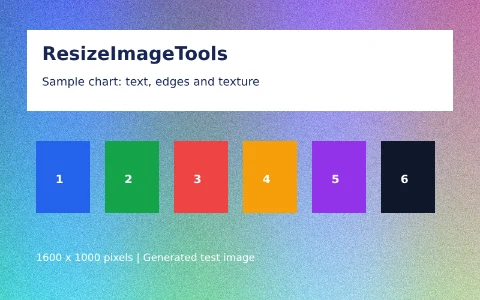
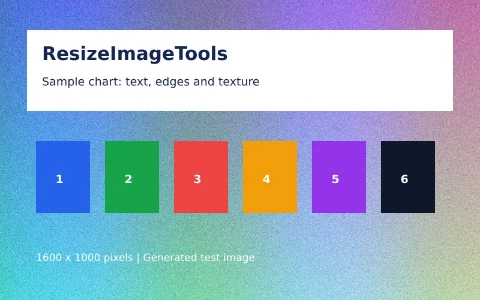
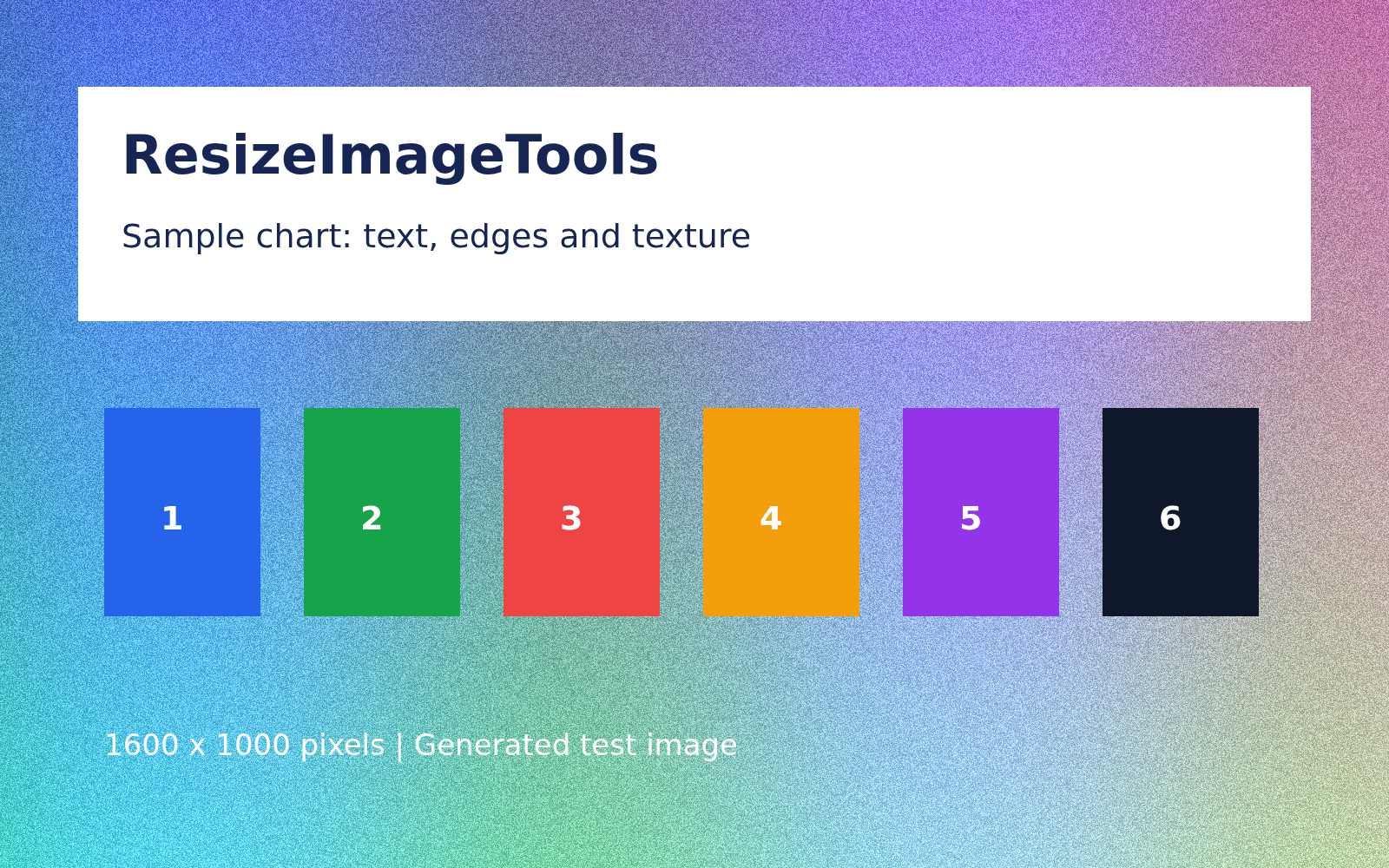
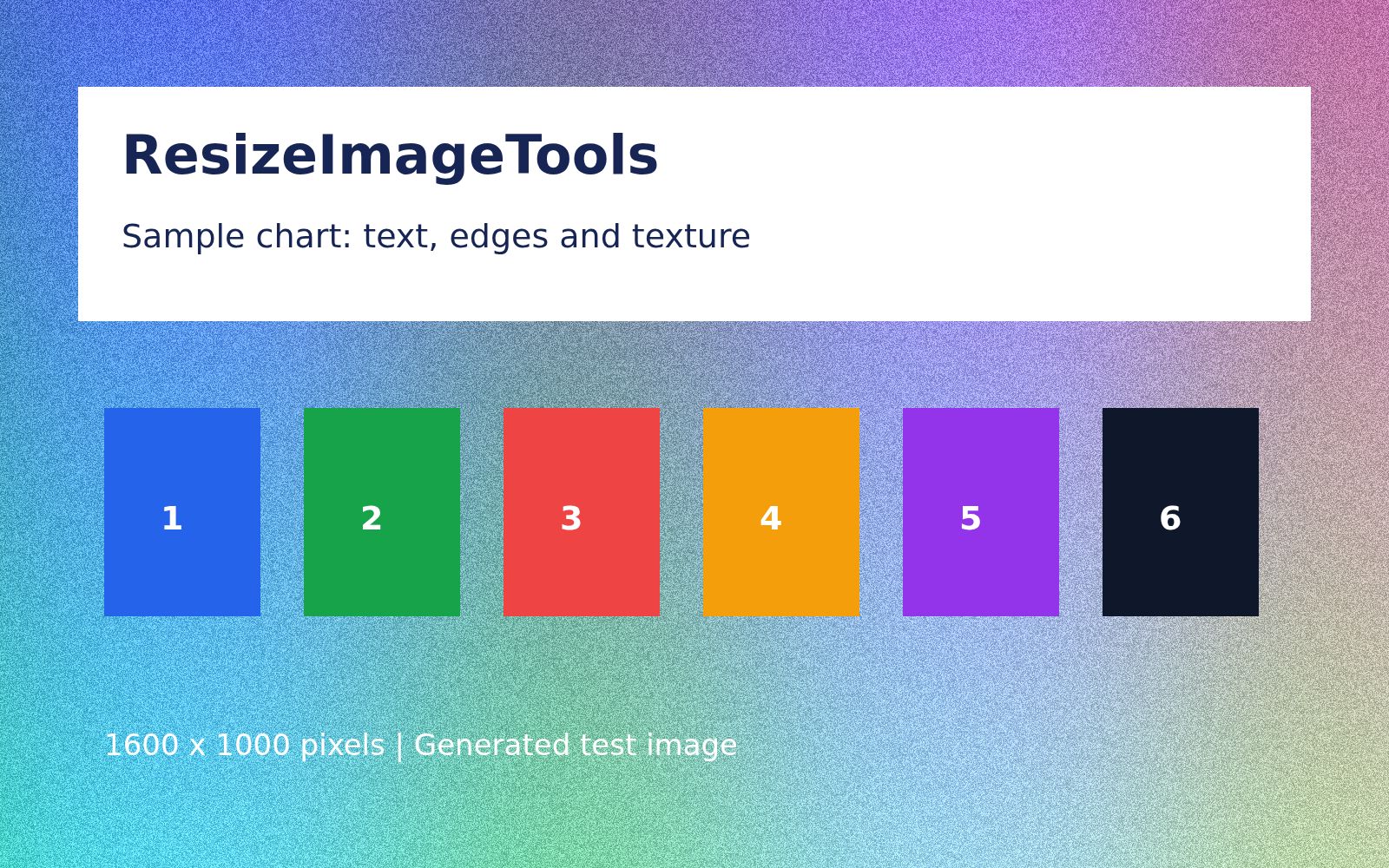
Generated chart with text, colored edges and texture. These files were exported by this tool in Chromium 156.0.8078.4 on 2026-11-05; the same source is used for each limit. Browser encoding and your own images can produce different results.
- Input
- 2,455,565 B · 1600 × 1000 px · PNG
- Output
- 403,319 B · 1600 × 1000 px · JPG
- Size limit
- 512,000 B
- Starting quality
- 80% · Automatic downscaling allowed
The target is a ceiling of 512,000 bytes, not an exact padded size. Open the full result to inspect lettering and edges; the small previews are for comparison.
Frequently asked questions
Does 500 KB mean exact file size?
The target is an upper limit of 500 × 1024 bytes, not padding to an exact byte count. The result can be smaller. If an upload form uses decimal KB, choose a slightly lower target.
Will resizing in KB change image dimensions?
Quality is adjusted first. If automatic downscaling is enabled, the tool can also reduce dimensions. Disable it when your form requires fixed pixel dimensions.
What if my image cannot fit within 500 KB?
Try smaller dimensions, a lower target resolution or JPG/WebP when transparency is unnecessary. Very detailed images may need visible quality changes; the tool reports a target it cannot reach.
Are my images uploaded to a server?
Basic image and PDF tools run in your browser. Files stay in the current workspace on your device. Save the results before leaving or refreshing the page.
Do I need an account?
Basic image and PDF tools are free, require no account and add no watermark. AI editing, clothing extraction and virtual try-on use cloud services; the AI area shows availability, login requirements and usage limits before you start.