Resize Image to 20 KB
Keep small text and fine edges readable.
Compress a photo to a 20 KB target in your browser. Compare a measured example, adjust quality or dimensions, and check the exported file size.
- 20 KB target · 20,480 bytes
- Preview before downloading
- Images stay in your browser
Start with an image
Drop images here
Or choose images from your device
JPG, PNG, WebP, HEIC, SVG, PDF, and moreDrag, choose, or paste
Set dimensions and preview in real time
One-click export with ZIP downloads
Small tools, big possibilities.
How to prepare an image for a 20 KB limit
- 1
Start with a clear original and inspect small text, thin lines and facial details after compression. Remove unused borders first only if your destination permits cropping.
- 2
The 20 KB target and JPG output are selected. Adjust quality, and allow smaller dimensions only if the destination accepts them.
- 3
Export, inspect the image and check its file size. Download the result only when its clarity, format and dimensions also meet your needs.
A tight allowance for a small attachment
A signature or compact scan can fit differently from a textured photo. The sample below is a generated chart, not a guarantee for your own image. Inspect the downloaded copy at its intended size; a file that meets the limit can still be too blurred to use.
Use the allowance your destination actually gives you
If the destination permits a 50 KB attachment, compare that output before accepting a less readable copy. Use a custom KB limit for another ceiling. Changing the file size does not replace a required width, height or format.
Check the permitted image format
The preset uses JPG, which cannot keep a transparent background. If the receiver requires PNG, change the format before exporting and inspect fine strokes on the actual background. A strict limit may be unreachable without changing dimensions or colors.
Measured compression example · 20 KB
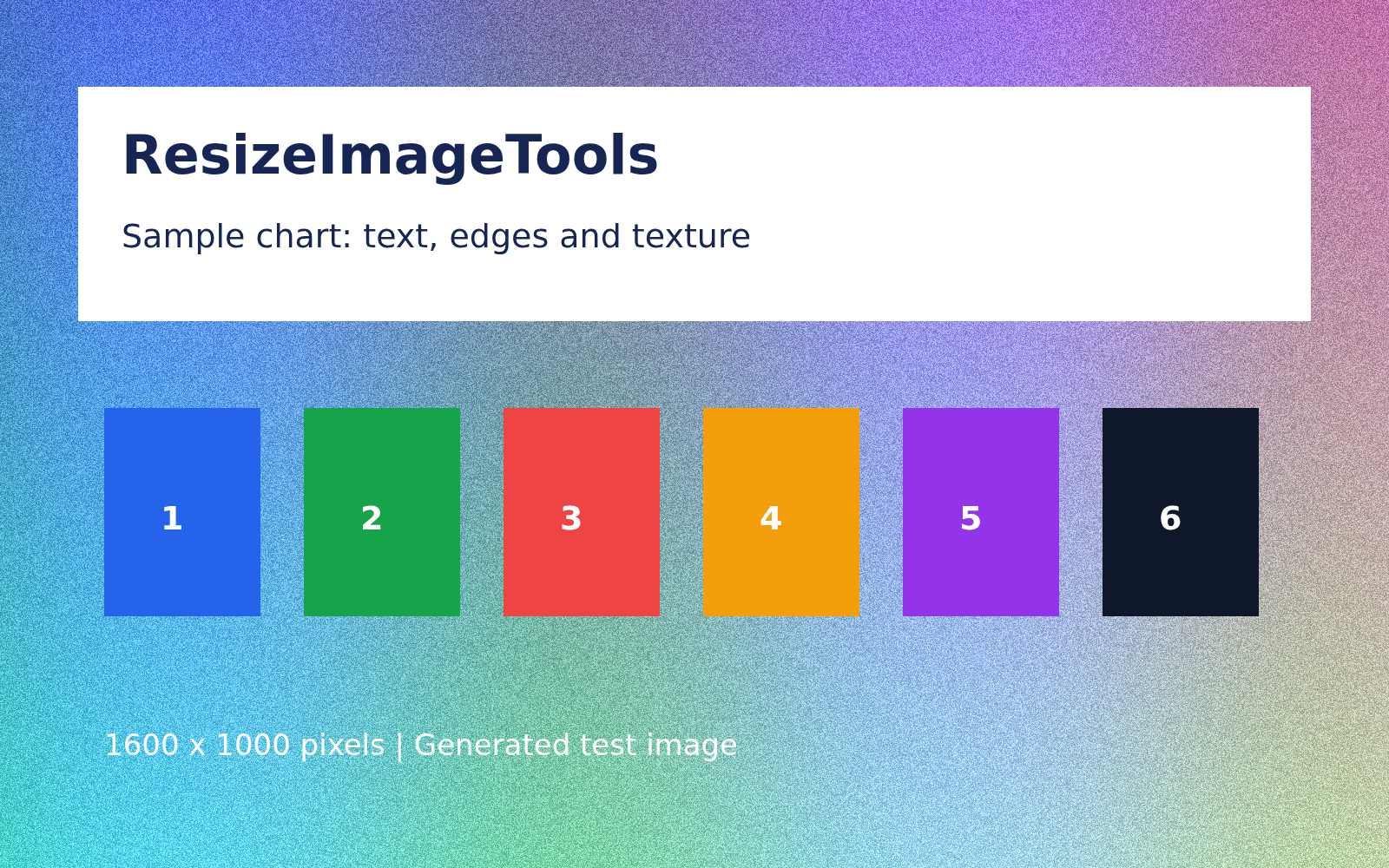
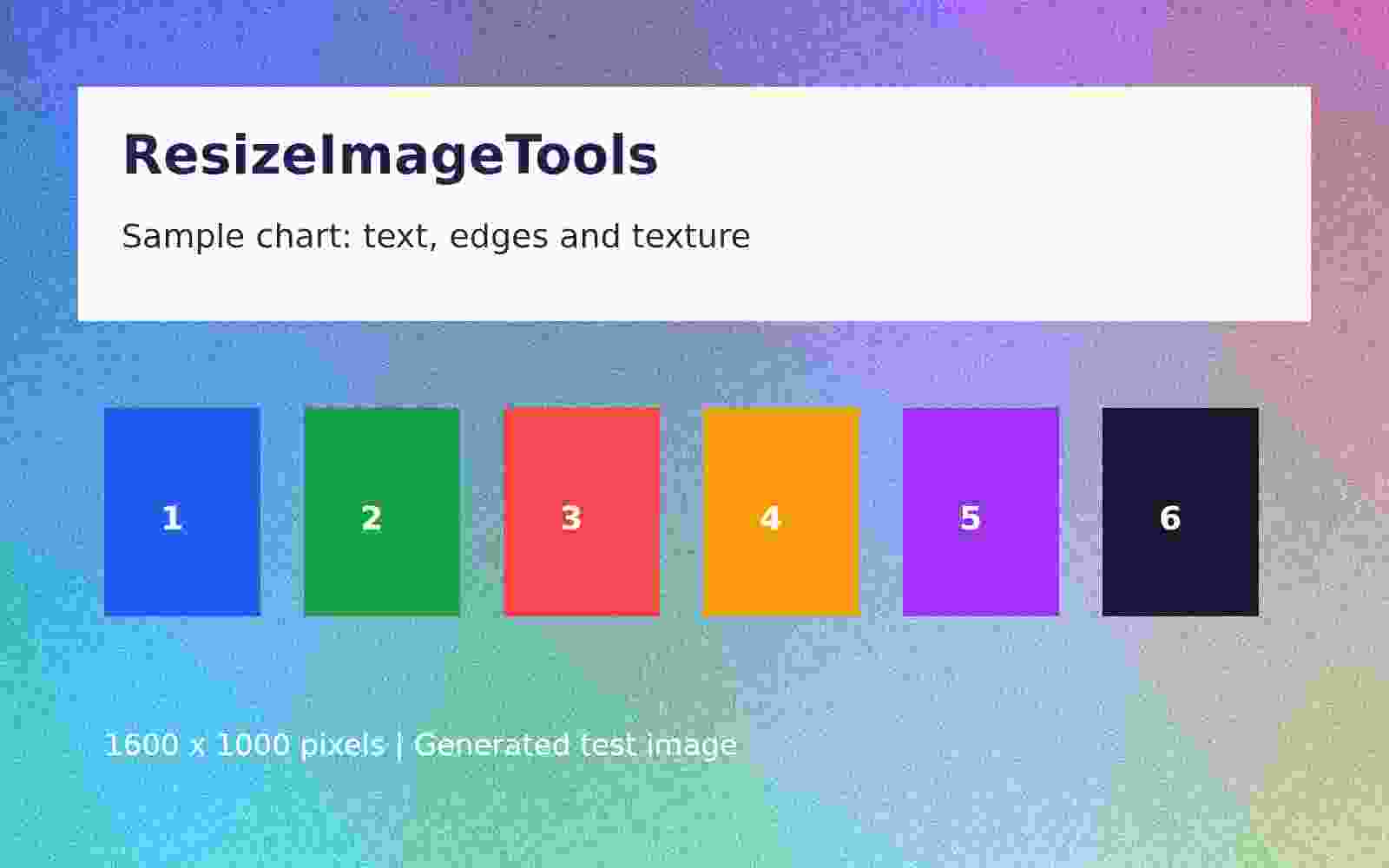
Generated chart with text, colored edges and texture. These files were exported by this tool in Chromium 156.0.8078.4 on 2026-11-05; the same source is used for each limit. Browser encoding and your own images can produce different results.
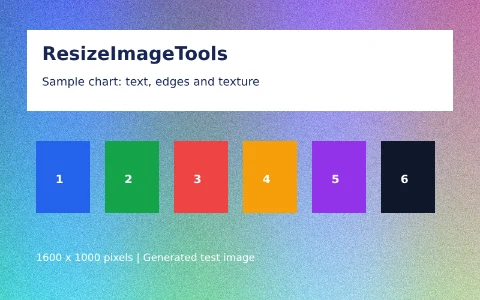
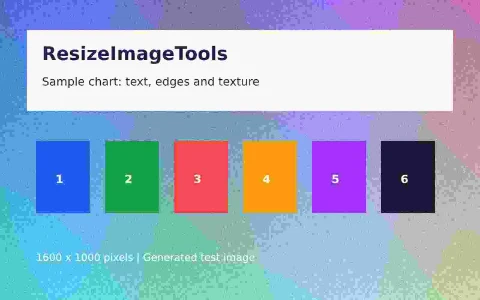
- Input
- 2,455,565 B · 1600 × 1000 px · PNG
- Output
- 18,330 B · 1600 × 1000 px · JPG
- Size limit
- 20,480 B
- Starting quality
- 80% · Automatic downscaling allowed
The target is a ceiling of 20,480 bytes, not an exact padded size. Open the full result to inspect lettering and edges; the small previews are for comparison.
Frequently asked questions
Will the file be exactly 20 KB?
No. The target is an upper limit of 20,480 bytes, not an exact output size. Simple images can be much smaller. The tool reports an error if it cannot meet the ceiling with the permitted settings.
Can I keep the same width and height?
Turn off automatic downscaling to keep the selected dimensions. A strict byte limit may then be unreachable. Change quality or format only when the destination permits it; otherwise use a different source image.
Does this guarantee that an upload form will accept my image?
No. Check the destination’s format, dimensions and exact byte allowance as well as any content requirements. This tool calculates one KB as 1,024 bytes; a service using 1,000 bytes per KB has a smaller allowance.
Does compression upload my photo?
Image processing runs in this browser. Save your source and downloaded result before closing the page.